
One click on any post
AI Reply and Question buttons sit in each post's action bar. The draft lands in X's own reply box, ready for you to read.
XAICG adds a button to every post. One click drafts a comment that sounds like you and types it into the reply box. You read it, change what you like, and post it yourself.
Free trial: 20 generations. No API key, no card.
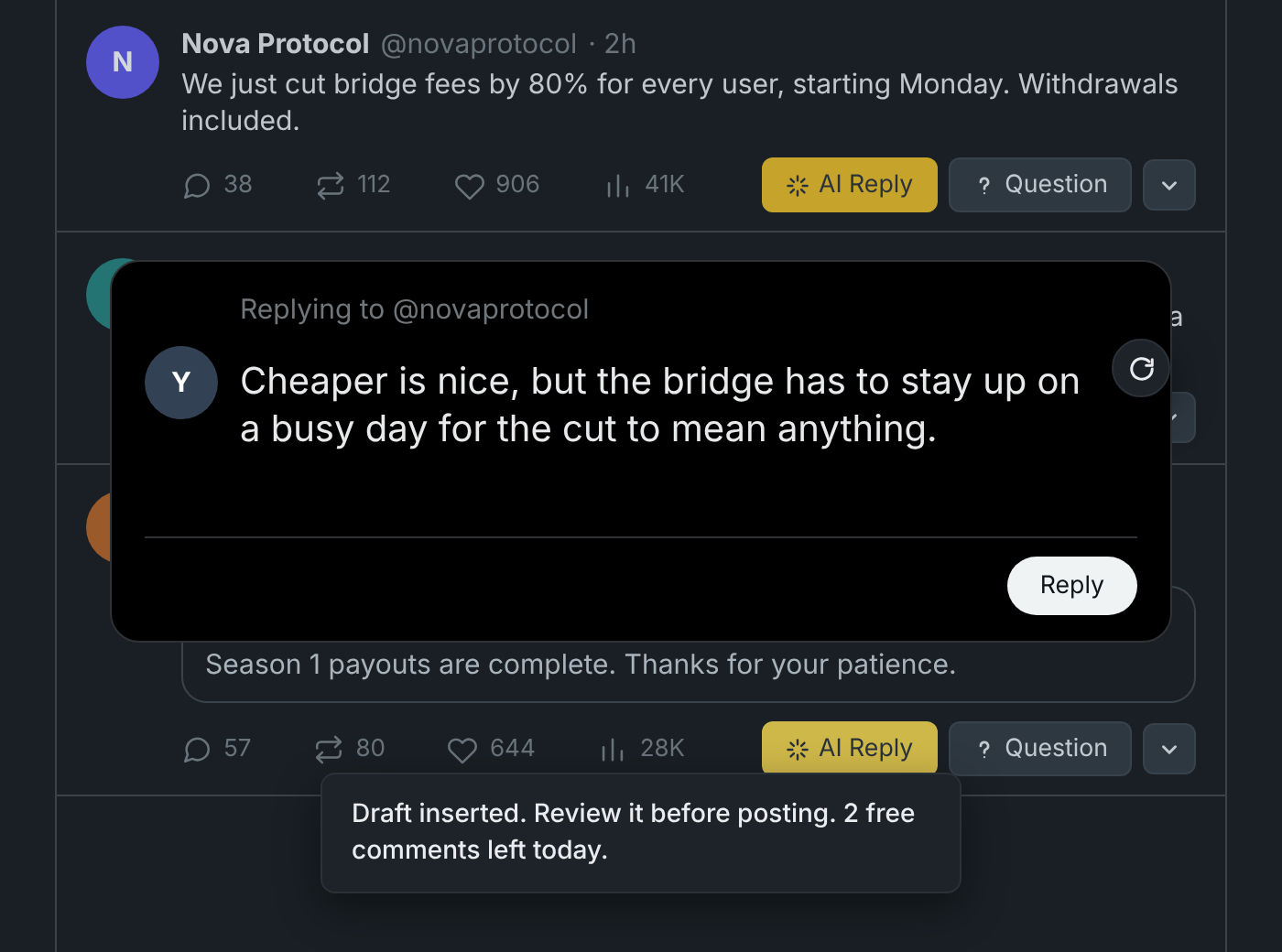
Everything happens where you already are: in the timeline, on the post you want to answer.
AI Reply and Question buttons sit in each post's action bar. The draft lands in X's own reply box, ready for you to read.
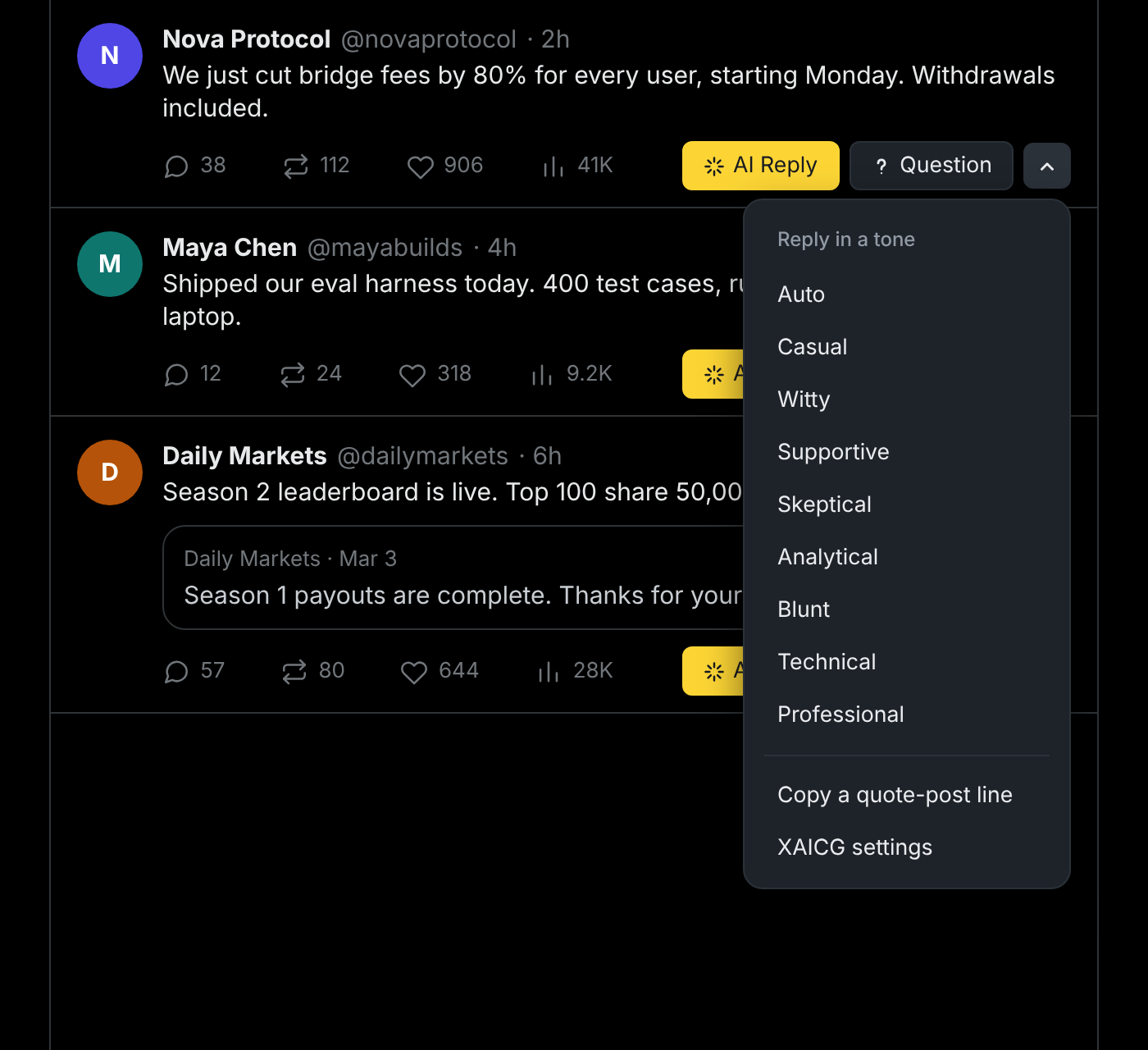
Auto fits each post. Or pick casual, witty, supportive, skeptical, analytical, blunt, technical or professional.
Each request brings back several drafts. Step through them without spending another generation.
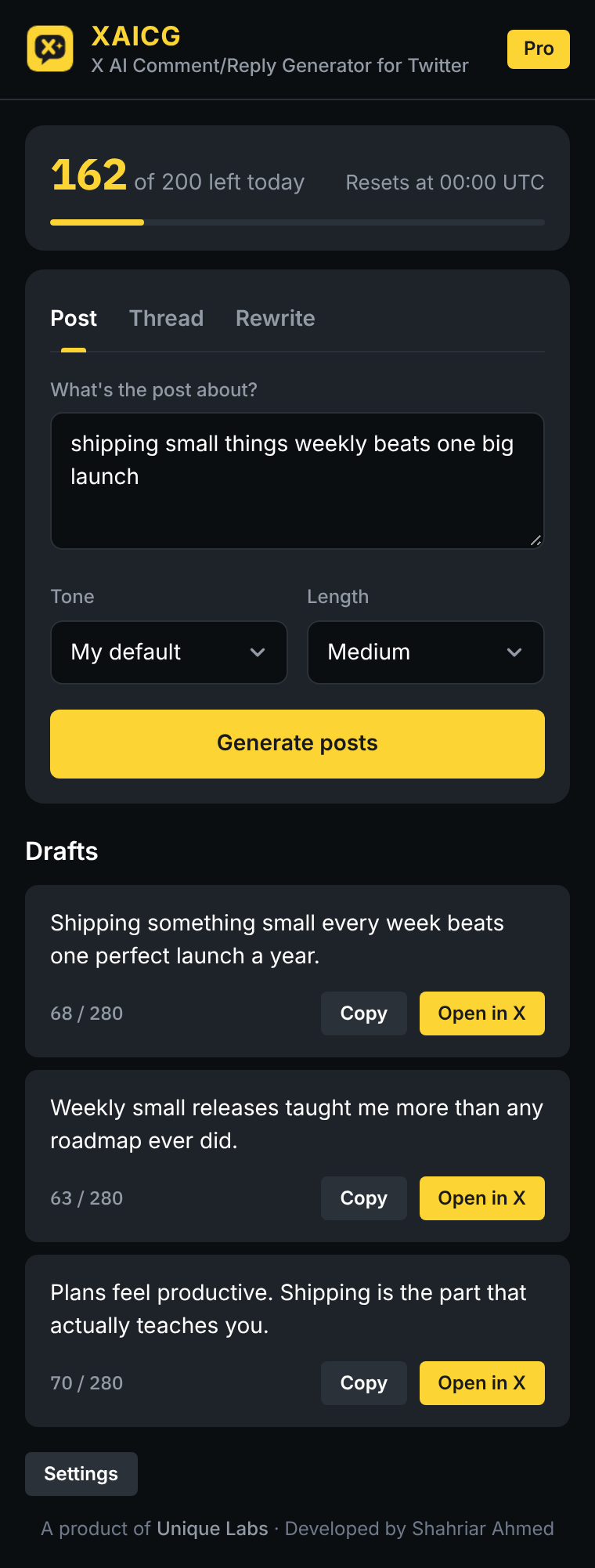
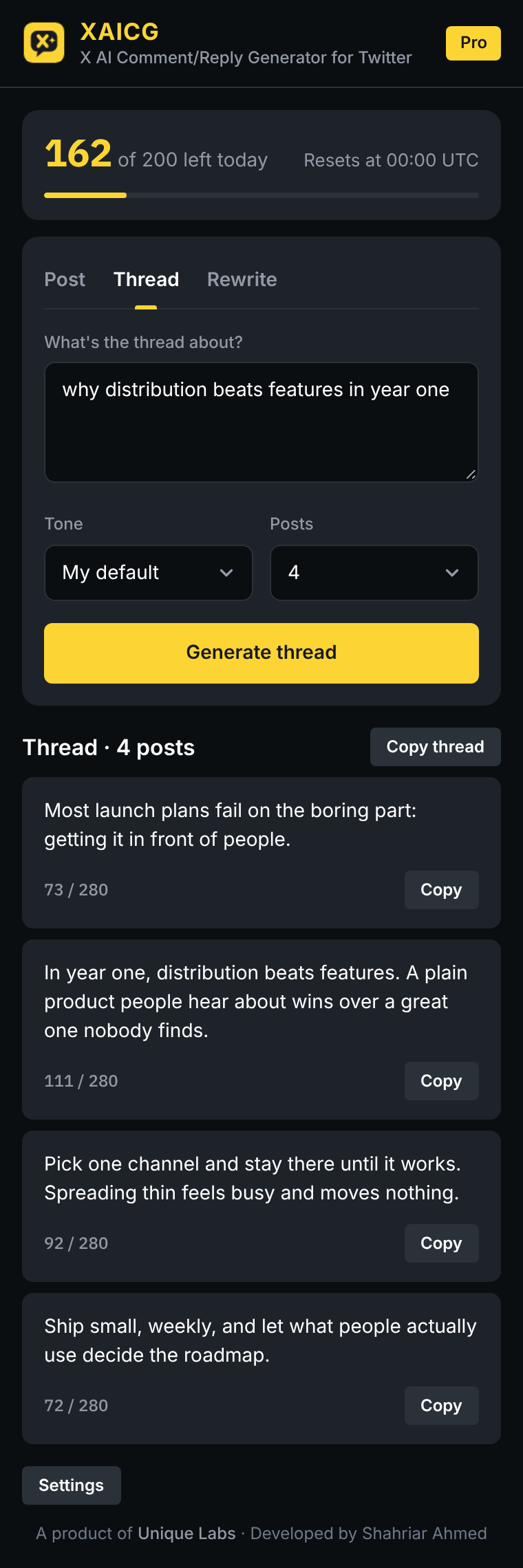
The toolbar popup turns a rough idea into post drafts or a full thread, and tightens a draft you already wrote.
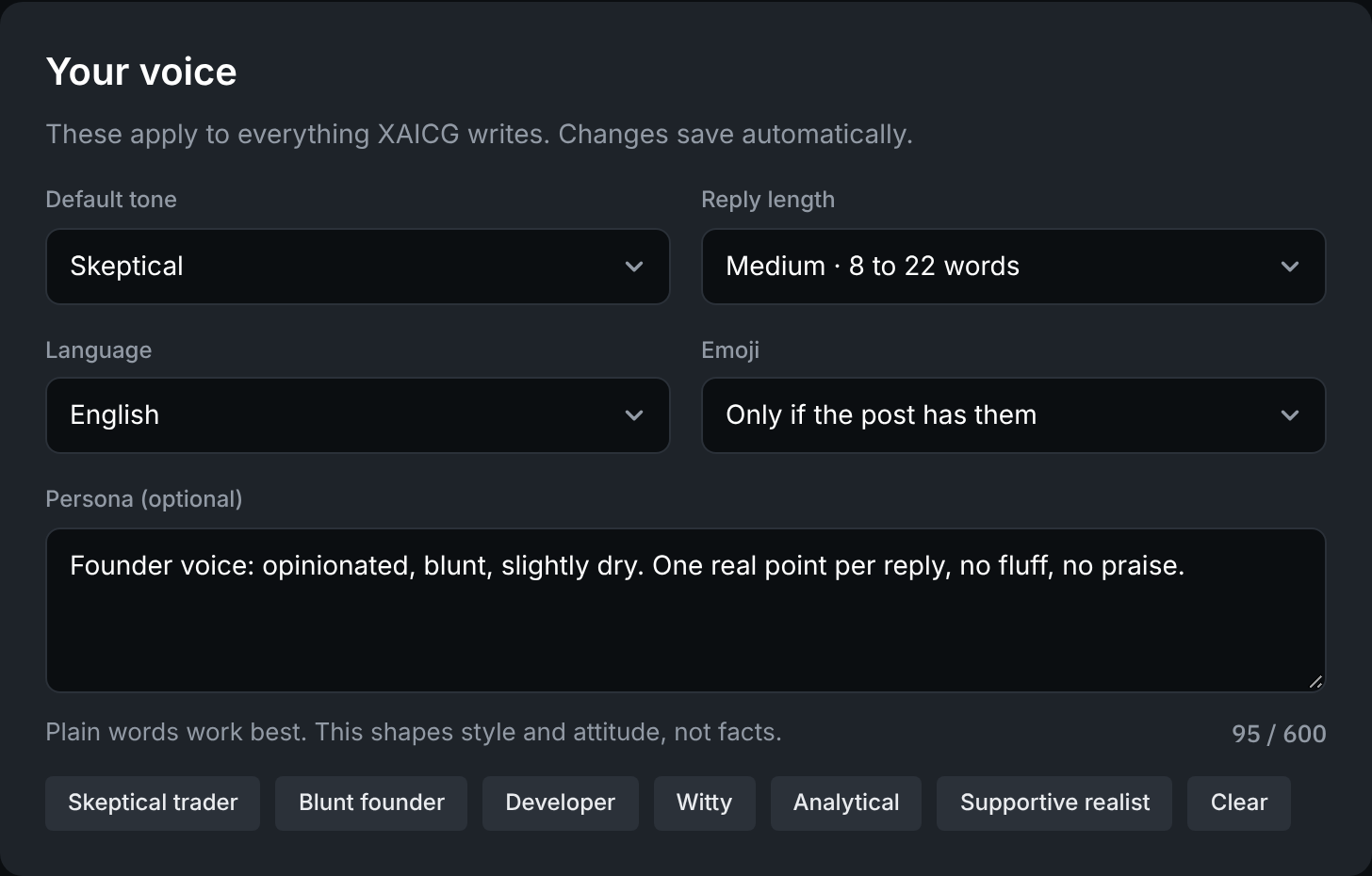
Describe how you sound. Set reply length, language and emoji. It applies to everything XAICG writes.
Nothing is ever posted for you. Every draft waits in the box until you press Reply. A copy-only mode never touches the page.
Install the extension from the Chrome Web Store. There is nothing to configure and no API key to find.
That starts your free trial of 20 generations. XAICG keeps your name and email, and nothing else from your Google account.
A draft appears in the reply box. Keep it, edit it, or ask for another. You press Reply.
Most of the time Auto reads the room. When you want something specific, the arrow next to the buttons opens the tones, and the same menu copies a line for a quote post.
Open XAICG from the toolbar and say what the post should be about. You get drafts to copy or open in X, a thread of the length you choose, or a tighter version of something you already wrote.
XAICG is built to avoid the tells. No generic praise, no hype words, no em dashes, no hashtags you did not ask for. It reacts to one concrete detail in the post, the way a person does, and it remembers your recent drafts so it does not repeat itself.
Describe your persona once, or start from a preset and edit it.
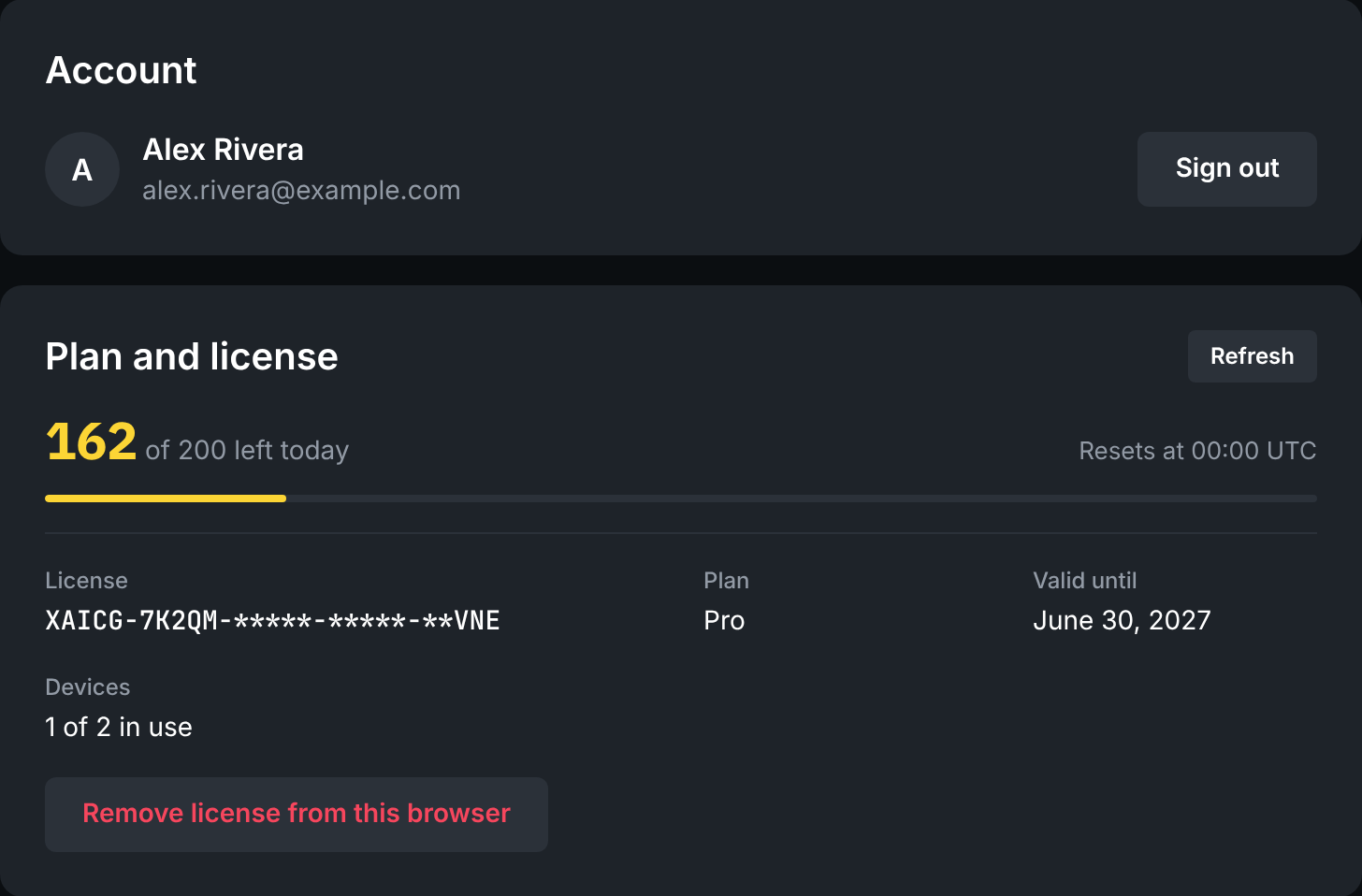
Your license belongs to your Google account. On a new computer you sign in and it is there, with no key to type. If every seat is in use, you choose which browser gives it up.
Prefer not to sign in? A license key works on its own.
XAICG reads the post you ask it to answer, and nothing else on the page. It never reads your messages, followers or account details, and it cannot post for you.
The post's text goes to the XAICG server and on to OpenAI to write the draft. The server does not save that text or the draft it returns.
You never paste an OpenAI key into the extension, so there is no key of yours to leak or to run up a bill.
What is kept, and why, is set out in the privacy policy in ordinary language.
A generation is one request for drafts. Stepping through the drafts you already have is free.
No. It types a draft into the reply box and stops. You decide whether to post it, edit it or throw it away. If you prefer, switch to copy-only mode and it will not touch the page at all.
No. The writing happens on the XAICG server. There is nothing to set up and no key to manage.
20 generations with every feature, for each Google account. No card is needed.
Each time XAICG asks for new drafts. One request brings back several, and choosing "try another" to see the next one does not use a generation.
Yes, up to the number of browsers in your plan. Sign in with Google on each one. If all your seats are taken you can move the license to the browser you are on.
English by default. You can have it match the language of the post instead, or always write in one of 17 languages.
The text of the post is sent to the XAICG server and to OpenAI so a draft can be written. It is not saved. The privacy policy has the details.
Google Chrome, version 111 or newer, on x.com and twitter.com.
No. XAICG is an independent product of Unique Labs and is not affiliated with or endorsed by X Corp.